With InnovGuide, you can easily add, update, or remove amenities to reflect the real features of your space. Whether you’ve just added a new equipment or want to show how it works to your guests, this article will show you how to manage everything in just a few clicks.
Add an Equipment
To add a new equipment to your property:
- Go to the Properties section
- Select the property you want to update
- Click on the Amenities
- Click + Add New Equipement
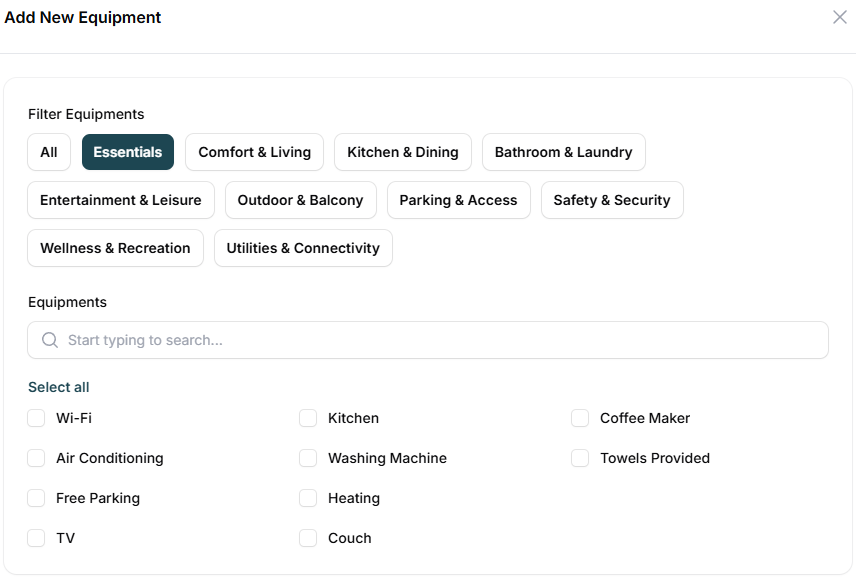
You have access to a wide range of equipment options to enhance your property listing such as Essentials, Kitchen & Dining, Comfort & Living, or Safety & Security, you can quickly filter and select what applies to your space.
If your property is already synced through Airbnb or a PMS, your equipment will be automatically imported into InnovGuide, no manual input needed!
Update Equipment Details
Need to update or correct equipment details for your property?
You can update any existing equipment by clicking on ‘+ Add details‘.
From there, the information displayed will depend on the type of equipment you selected.
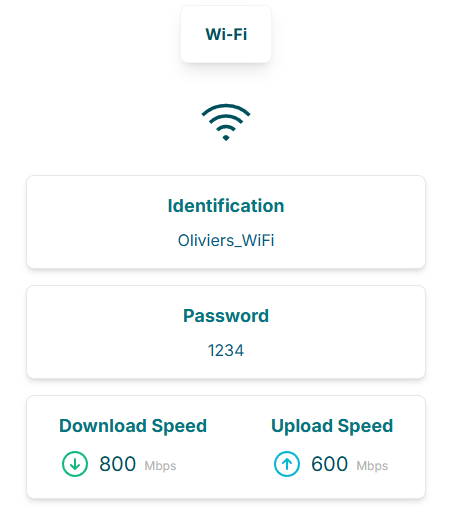
For example, if you select Wi-Fi, you’ll be able to add specific details such as the network name and password.
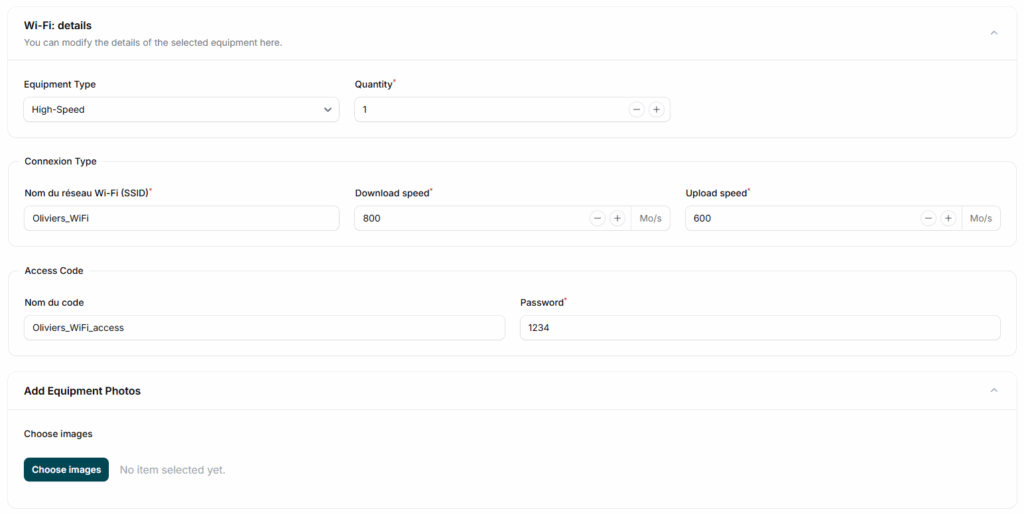
You can also specify the download and upload speeds, and even add photos to make things clearer for your guests.
Add Instructions to an equipment
If you have challenging equipment, our platform allows you to create clear usage guides for your guests. These personalized instructions help ensure clarity and build guest confidence.
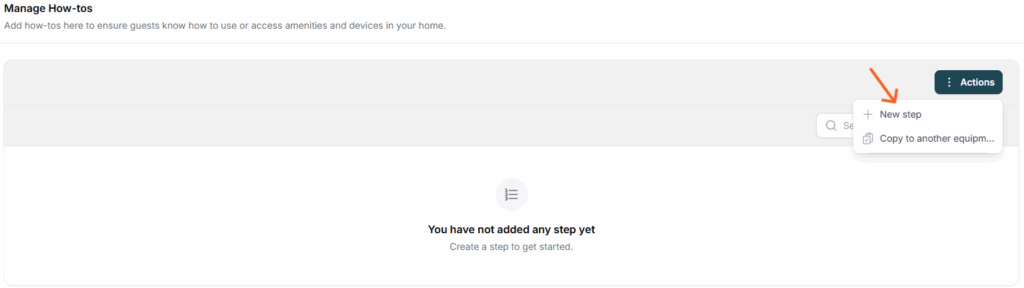
Use the text editor to describe, in your own words, how to use the amenity. This helps personalize the experience for your guests and provide them with clear, useful guidance.
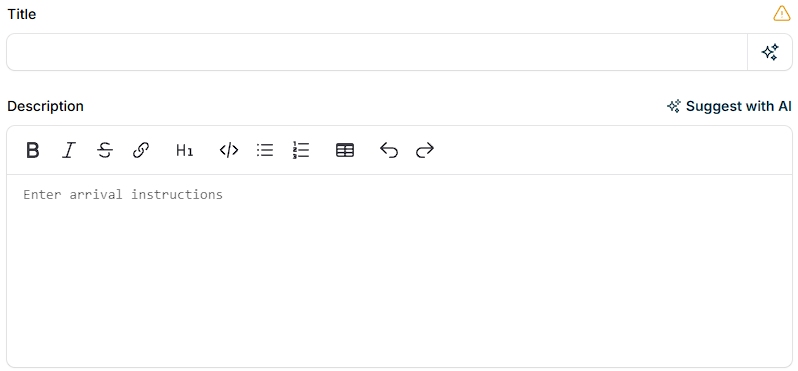
To enhance the experience, you can enrich each step with your own logo, photos, or even embed URLs and iframes, providing visual aids that make the instructions intuitive and engaging.
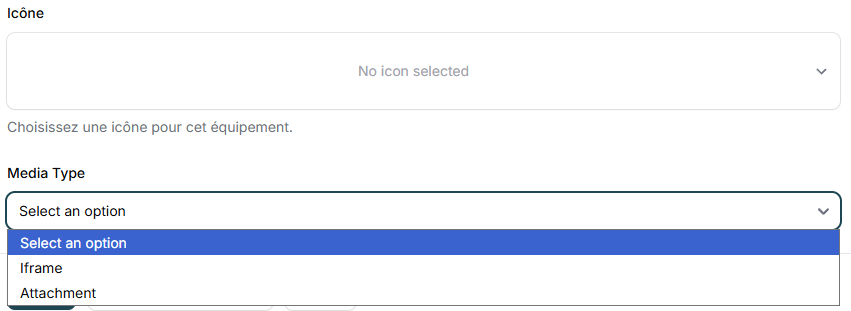
If needed, you can also easily rearrange the order of the steps to optimize clarity and improve understanding.
Remove an equipment
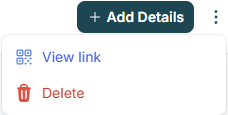
To remove an equipment you no longer use, simply click on the three dots and select ‘Delete’.
Your Equipment Is Directly Uploaded to Your Guide
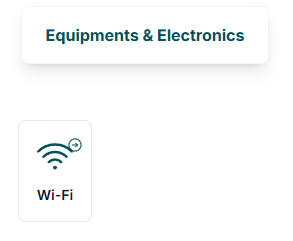
You can access all your amenities and the details you’ve provided about them in the “Equipment” tab.
Keeping your amenities up to date helps ensure accurate listings and better guest satisfaction !