

Managing your property across multiple platforms can quickly become overwhelming, especially when you’re juggling reservations, calendars, and guest information. That’s where InnovGuide’s integration capabilities come in.
List of Supported Applications
Below is a list of applications that you can currently connect to InnovGuide.
Click on any of the applications below to access a step-by-step guide on how to connect them to your InnovGuide account:
- Airbnb – Sync properties, reservations, and calendar availability
- Hospitable (PMS) – Automatically sync reservation data and property information from your property management system.
- Seam – Centralize and manage all your smart home and IoT services.
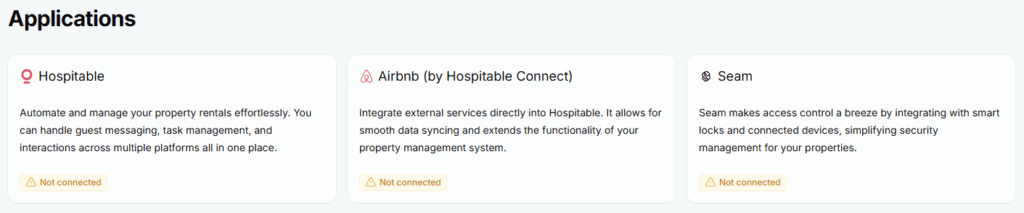
You can view the list of supported applications directly from the “Applications” tab in your InnovGuide dashboard.
Test the Connection
After setup, it’s a good idea to test the connection:
- Go to your dashboard and verify that reservation data or calendar updates appear correctly.
- Check that your devices have been successfully added by checking the Devices tab.
By connecting your external applications to InnovGuide, you can centralize your operations, reduce manual work, and ensure your information stays consistent across all platforms.