First impressions matter, that’s why InnovGuide offers features designed to help you create a warm, memorable welcome for every guest.
- Search for Digital Guide tab
- Go to the Welcome tab
- Choose the property where you’d like to create welcome instructions for your guests.
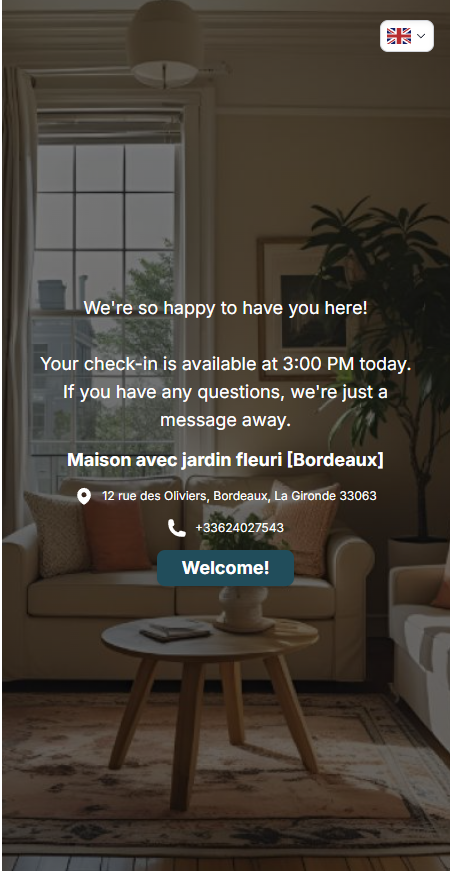
You can customize your welcome page, as shown in the example below:
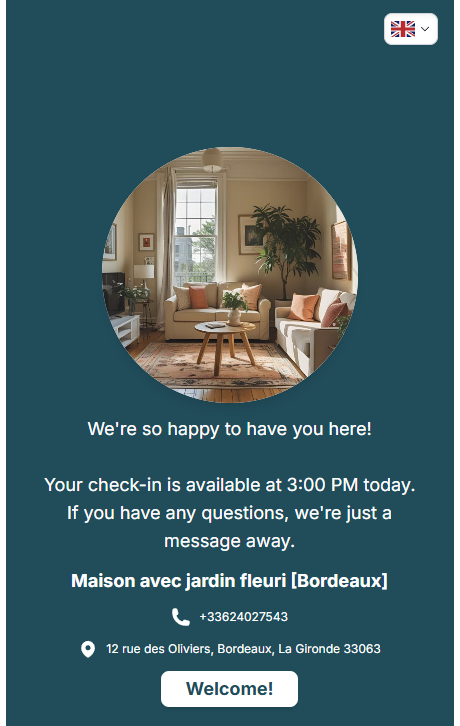
In this page, you can customize:
- Welcome message
- Button
- Photo
- Color of the page
- Contact
- Theme
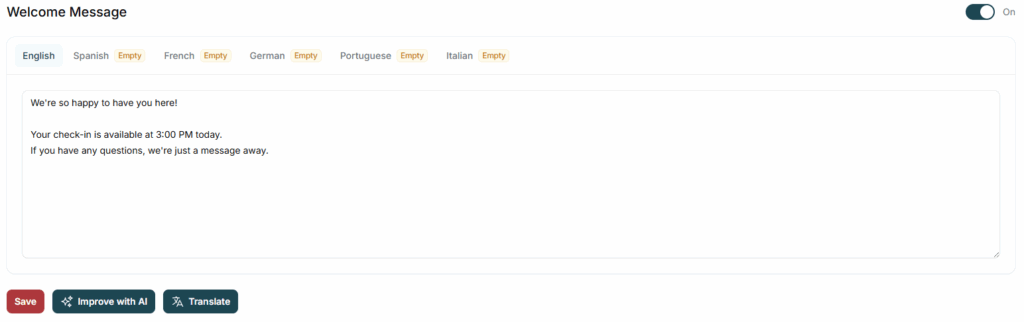
Welcome message
With our InnovGuide AI and translation tools, you can create a personalized message that reflects your personality and speaks your guest’s language.
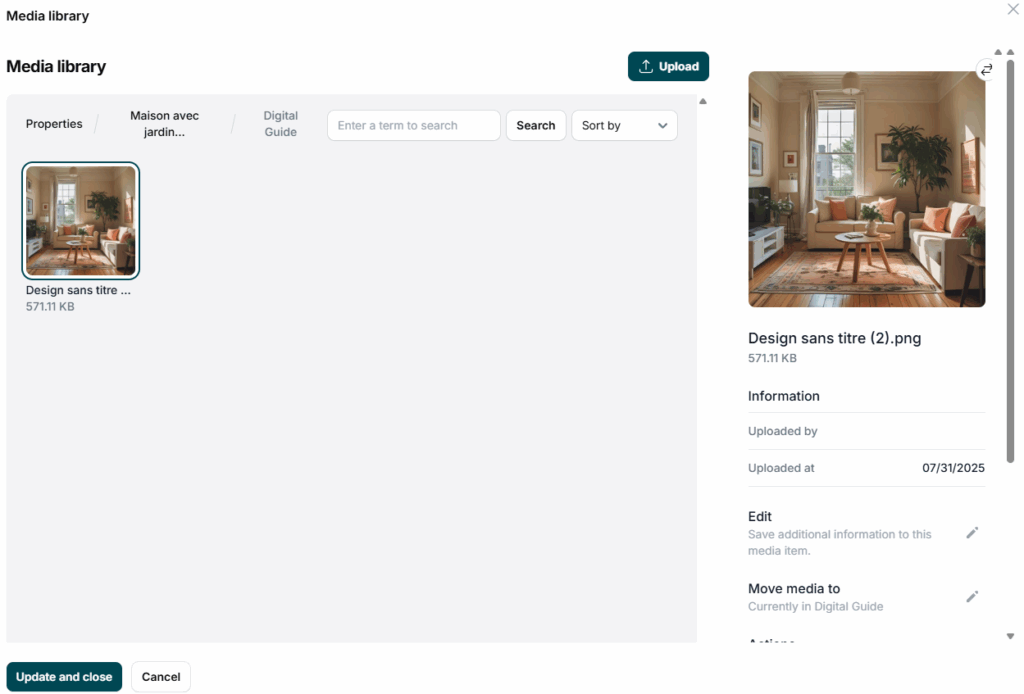
Button, Color of the page and Photo
Write a friendly message for your button to welcome your guests,

Set up the color of the page
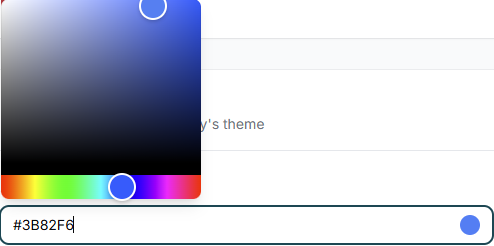
and upload a photo that reflects your property.
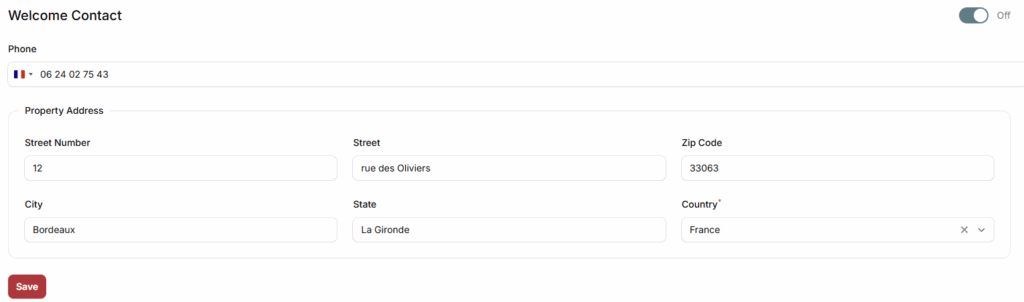
Contact
Provide key details about your property’s location and include a phone number so guests can easily reach out for additional information or assistance.
Themes
You can choose from different themes to better match the style of your guide.
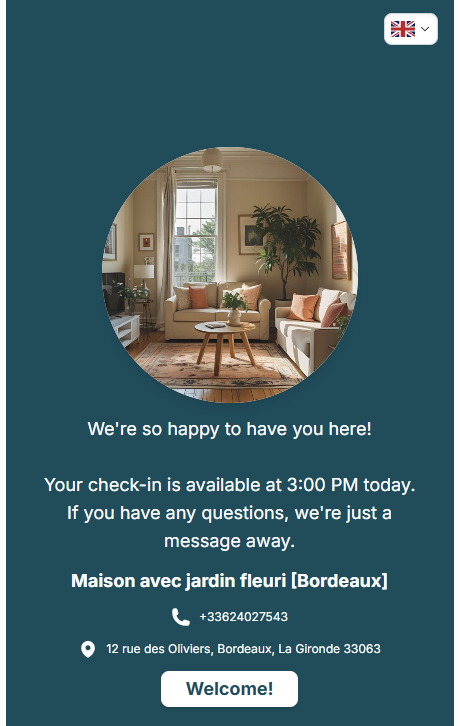
You can also translate the page using our built-in tools to better accommodate your guests. Feel free to add or remove any previously entered details to improve your guide’s clarity and readability.