

Change your login credentials securely.
Change your password in just a few click
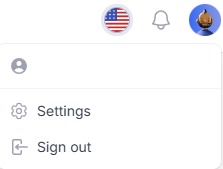
In the Security section of the Settings tab, you can update your password at any time.
To do so, enter your current password, then choose a new password, and confirm it.
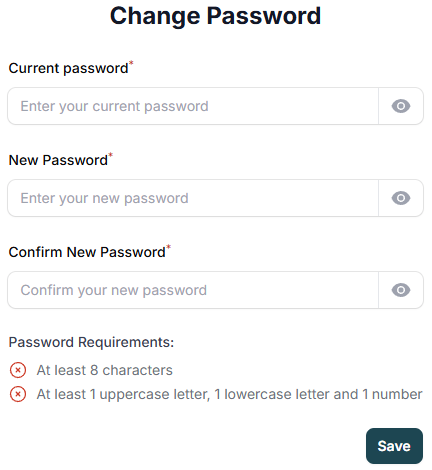
Be sure to meet the required conditions to successfully change your password:
- At least 8 characters
- At least 1 uppercase letter, 1 lowercase letter, and 1 number
When all conditions are met, the red icons will turn green, and you’ll be able to click Save to confirm the change. The password is then hashed before being stored in the database, ensuring optimal protection of user data.