

The Pre-Check-In is the first step where guests provide key information about their booking,such as reservation number, ID, acceptance of house rules, and estimated arrival time. This step is required to unlock access to the InnovGuide app.
In this guide, we’ll walk you through how to configure your Pre-Check-In settings to match your needs and deliver a smooth, professional first impression to your guests.
Pre-check-in Configuration
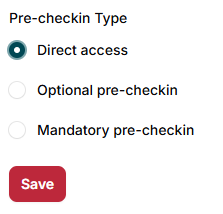
We’ve created a feature that allows you to set up a Pre-Check-In form. However, you can choose to make it optional or even deactivate it entirely, if you prefer to give your guests direct access to the app.
Pre-check-in Sections
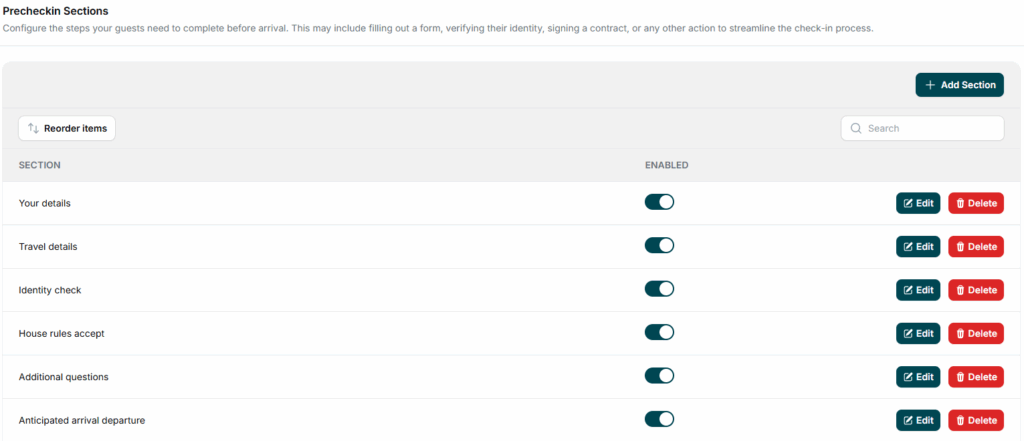
In this section, you can require your guests to fill out a form before accessing the app, if you’ve enabled the Pre-Check-In. Set up, add, or edit the form fields to match your legal obligations or specific needs.
Check-In / Check-out Limits
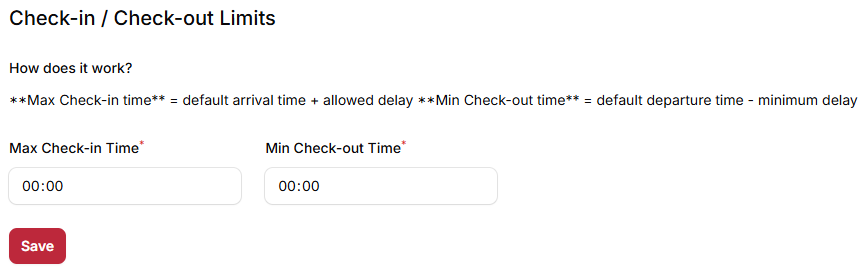
Set the check-in and check-out time limits according to your property’s schedule.
Additionnal Questions
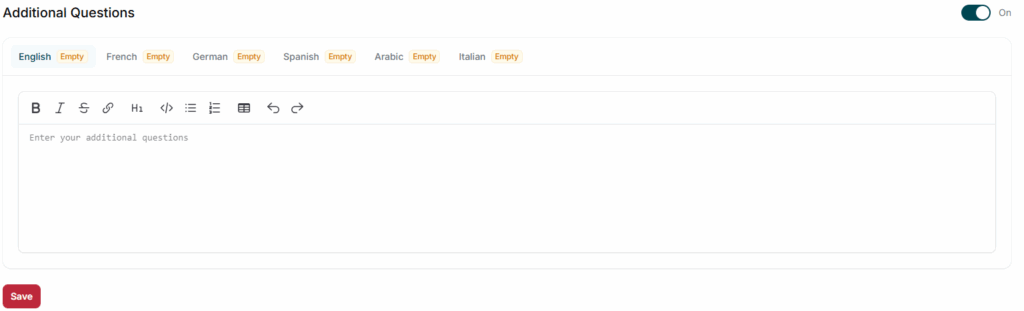
If you want to include extra items in your form, you can use the “Additional Questions” section to write any missing questions manually.
Setting up your Pre-Check-In allows you to streamline communication, gather essential information, and ensure a smooth arrival experience for your guests.