

Step 1: Go to the Applications Section and Select “Hospitable”
To connect your Hospitable account to InnovGuide, click on “+ Connect your Airbnb account“:

Step 2: Connect Your InnovGuide Account to Airbnb Through Hospitable
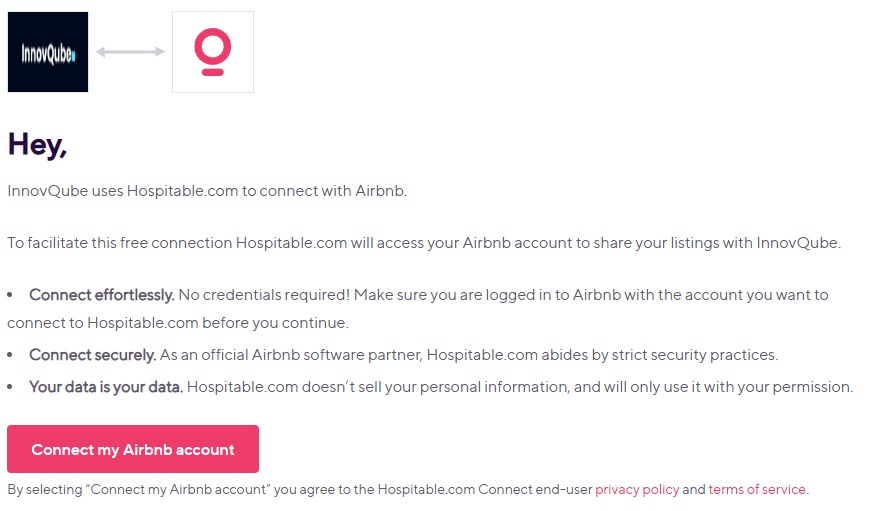
You will then be redirected to a new page where you can link both accounts. To complete the process, you will need to confirm access via two-factor authentication.
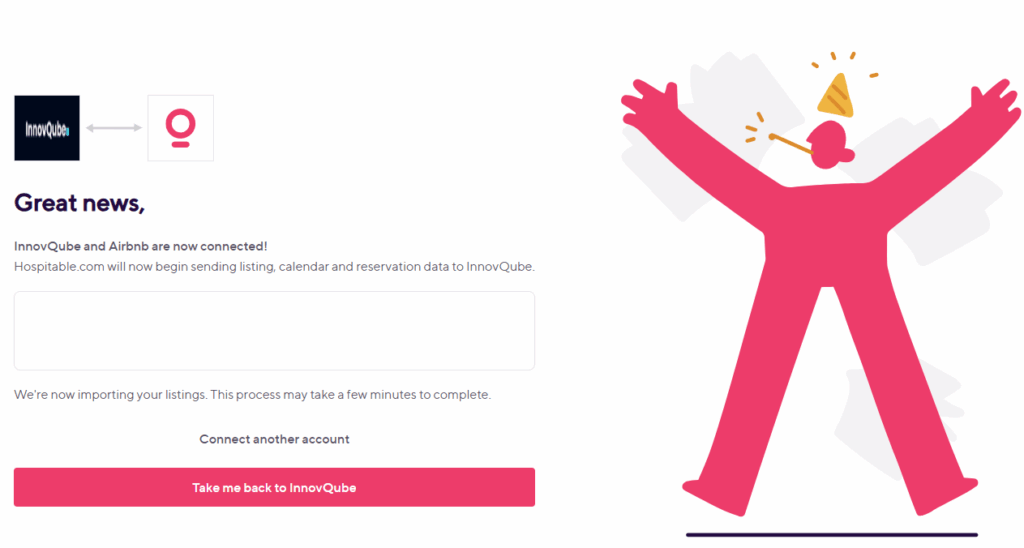
Once connected, you can enjoy all the benefits of synchronized bookings and property management.
How to Disconnect Your Hospitable Account
To disconnect your Hospitable account, simply select Hospitable and click on “Revoke your Hospitable account“.

If your Airbnb account is linked to Hospitable, all your Airbnb data becomes accessible directly via the Hospitable platform.