

In the Guests section, you can access a complete list of all customers who have made a booking in one of your properties. This allows to keep a track of your bookings.
Edit your Guest Information
Keep your guest information up to date with ease!
Just select a guest to quickly update their details and ensure a smooth, personalized experience.
You can edit all their details related to:
- Names
- Email address
- Phone number
- Country
- Job
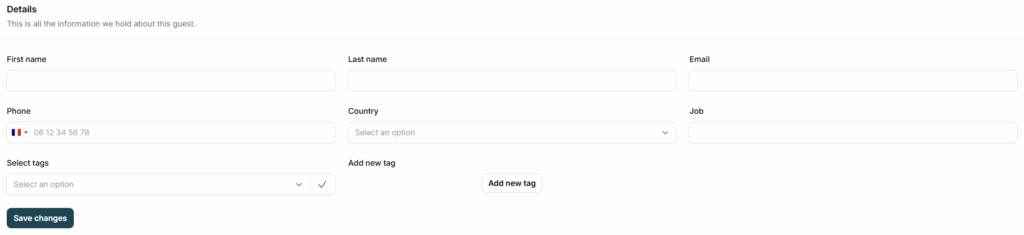
Below the guest details, you can find all the details about their last booking in your properties.
Merge your costumers
Sometimes, guests may belong to the same family or share the same background.
You can merge these guest profiles into one and select the common information to keep for the unified profile.
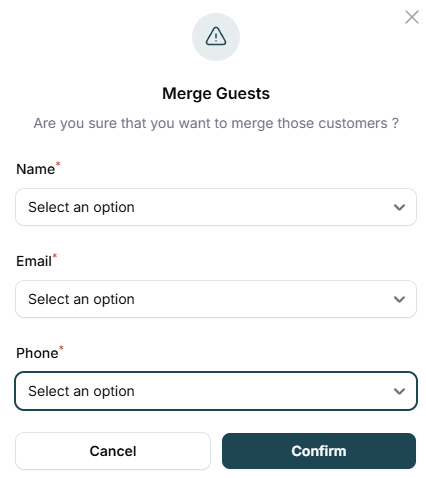
To merge guest profiles, simply select the guests you want to combine and click on ‘Merge‘.
Filter Your Guest List
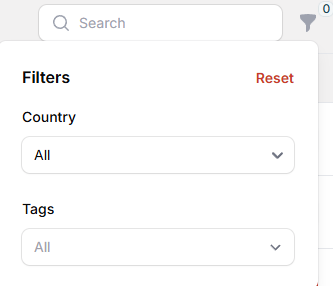
You can also filter the list by country and Tags to help you find a specific guest.
With easy editing, merging, and filtering options, keeping track of your bookings and guest details has never been simpler.