

In this article, you’ll learn how to easily add, organize, and edit contact information within your guide, so your guests always know who to reach and how.
Useful numbers
This section allows you to manage the key contacts your guests may need during their stay. These contacts can include property managers, local taxi services, or any other relevant point of contact for non-emergency situations.
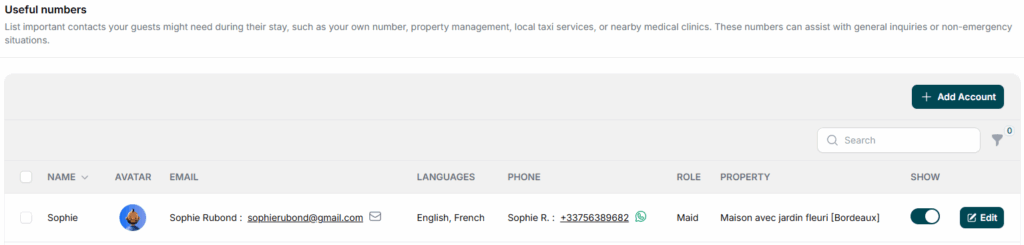
To add a new contact to your guide, simply click the “+ Add Contact” button. You’ll access the creation tab, allowing you to create personnalized contacts so your guests can easily reach the right person for any request or issue.
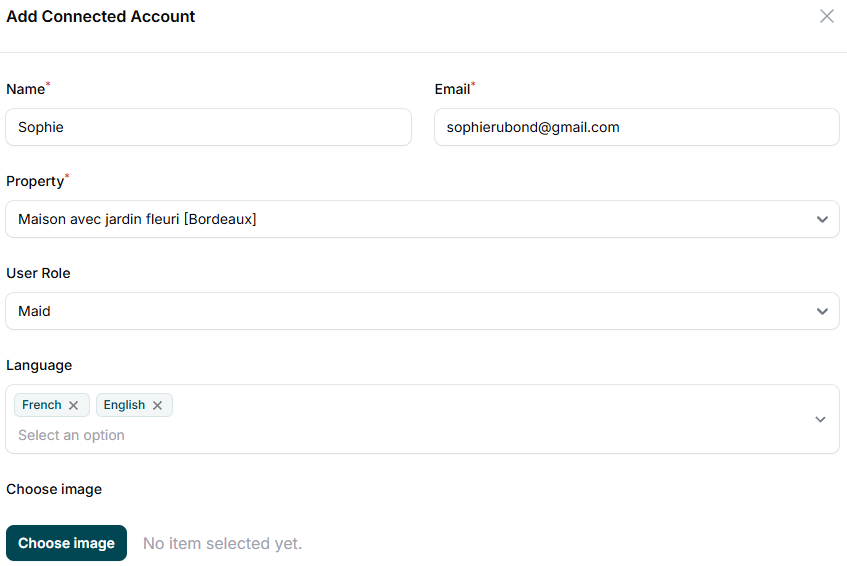
You will first need to provide the following details for the contact:
- Name
- Assigned property
- User Role
- Languages spoken
- Photo
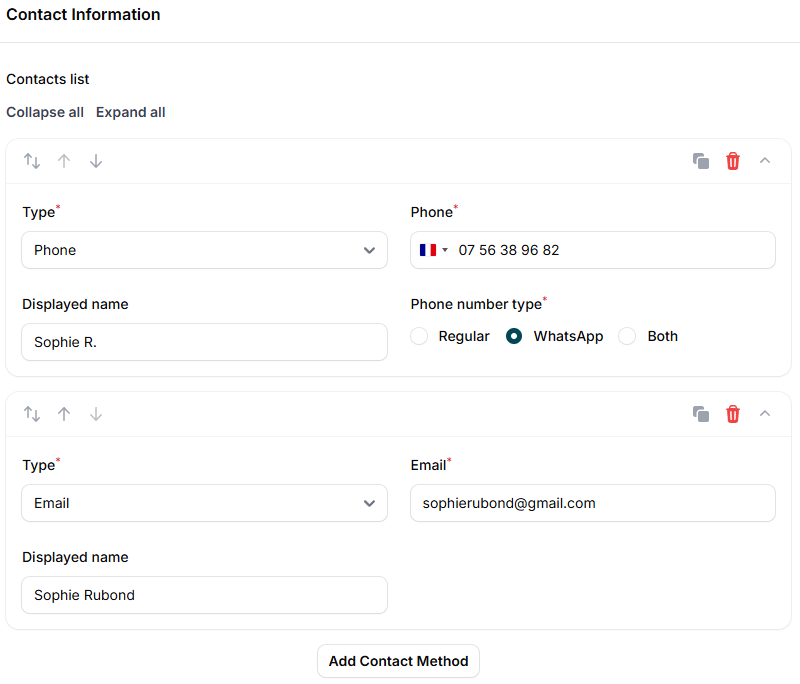
Whether your contact prefers email, phone, or both, you can add the right communication method. Need more than one? Just click “Add Contact Method” to include as many as needed.
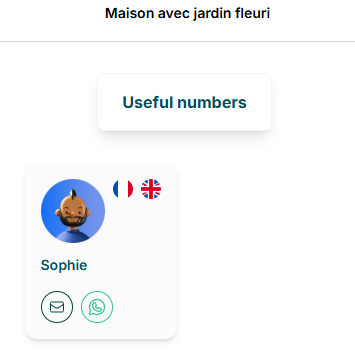
You can view the results of your changes directly in the “Useful numbers” section under Help. If you need to update or correct any details, simply click the Edit button next to the contact.
Emergency numbers
This section is dedicated to providing your guests with fast access to essential emergency contact numbers. These include police, fire departments, and ambulance services, critical for urgent or life-threatening situations.
While you can edit these numbers if necessary, they will automatically adjust based on the country of your property.
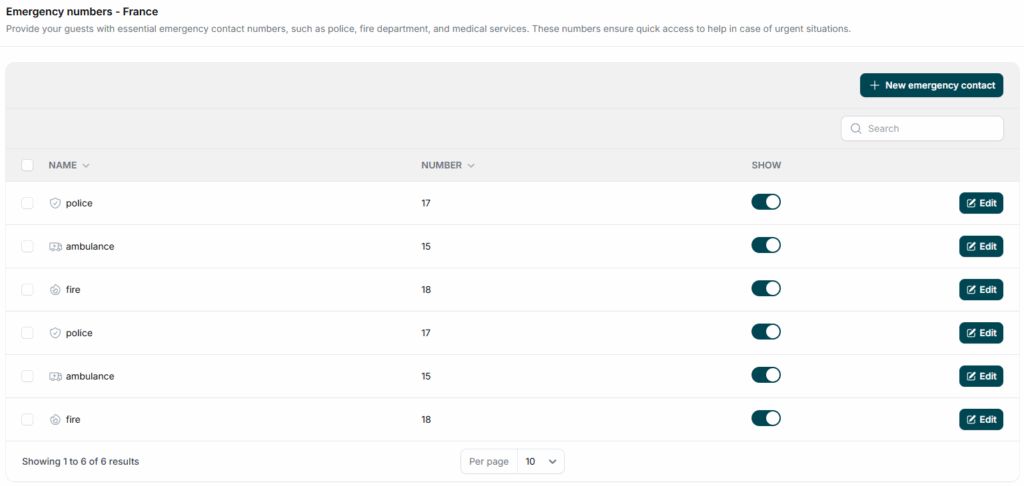
You can still add a new emergency contact by simply naming it, selecting its type, and entering the phone number.