With InnovGuide’s automation feature, you can set up personalized messages that are automatically sent to your guests depending on key moments such as booking confirmation, check-in day, or departure.
Questions
The Questions section focuses on detecting and managing questions submitted by users, particularly using AI.
To set a new rule:
- Go to the Automation section
- In the Questions tab, choose a topic for your rule
- Click on “+ New related rule“
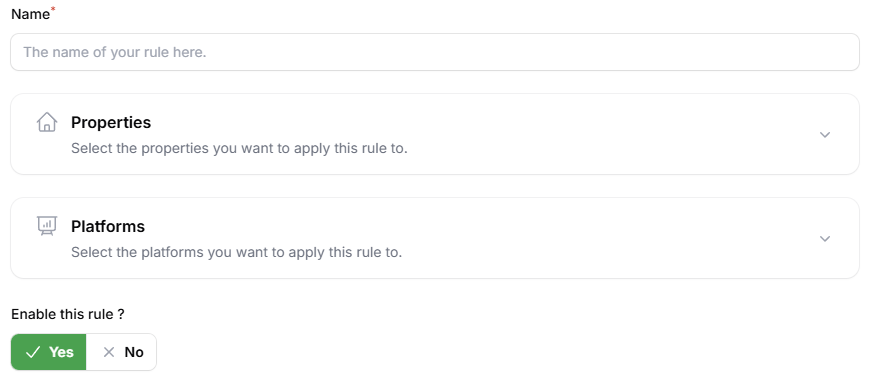
When creating a rule, you can define a name for it and specify which properties and platforms it should apply to. You also have the option to enable or disable the rule at any time, depending on your needs.
You can test whether InnovGuide’s AI will correctly detect and respond to your new rules using the integrated testing tool.
Messages
The Messages section lets you manage automated messaging rules (emails and SMS) sent to guests and hosts at key moments throughout the stay.
When creating a rule in this section, you can configure similar details as in the Questions section; however, you’ll also need to specify additional information.
Fill in the rules information
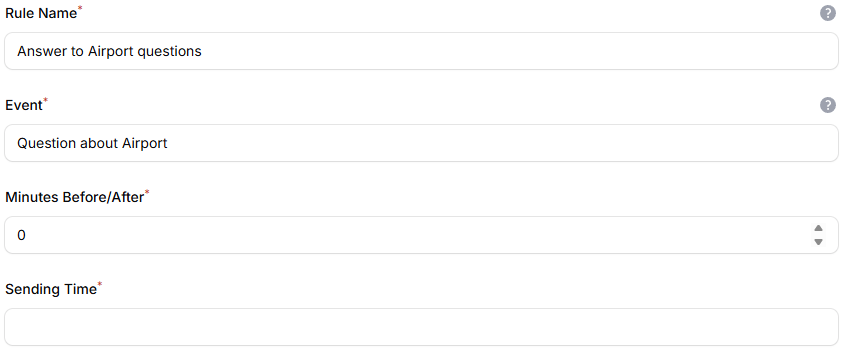
You still need to choose a name for your rule, but you’ll also be required to define the triggering event and the message sending time.
Then, you can choose the property and on which platform the rule is applied.
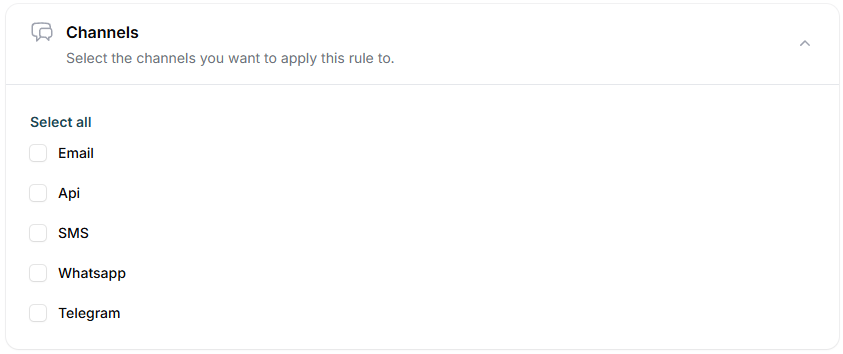
Choose the notification channels
Check to select the notification channels.
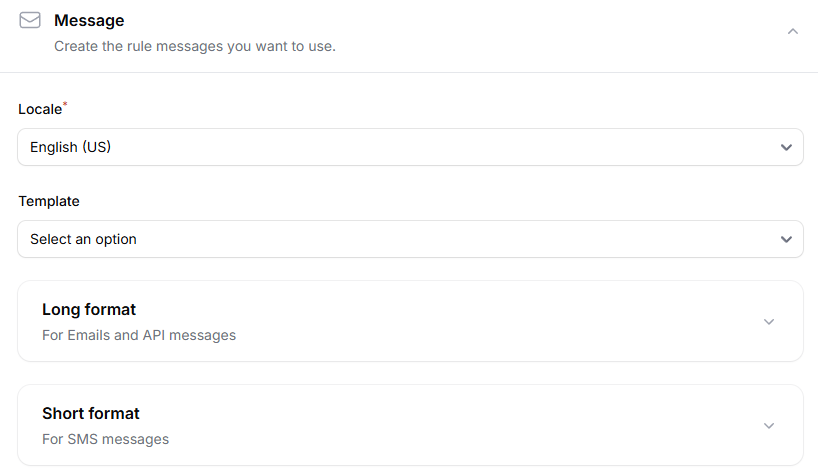
Choose the format message
Choose the appropriate message format: use a longer version for emails and a shorter one for SMS. You can also select a template to ensure the format matches the communication channel you’ve chosen.
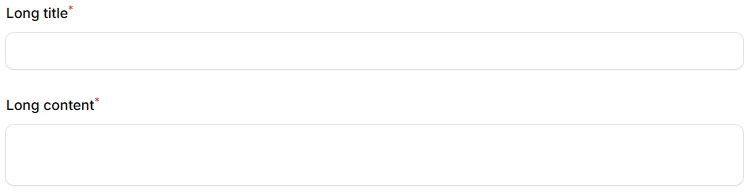
Enter your automated message along with a title in the designated text field.
Automated messages help build your workflow by ensuring timely communication with guests and owners. Set your rules once, and let InnovGuide handle the rest efficiently and reliably.